What MatrixAI Studio does
Upload your CSV and several engines compete for the best model for your data
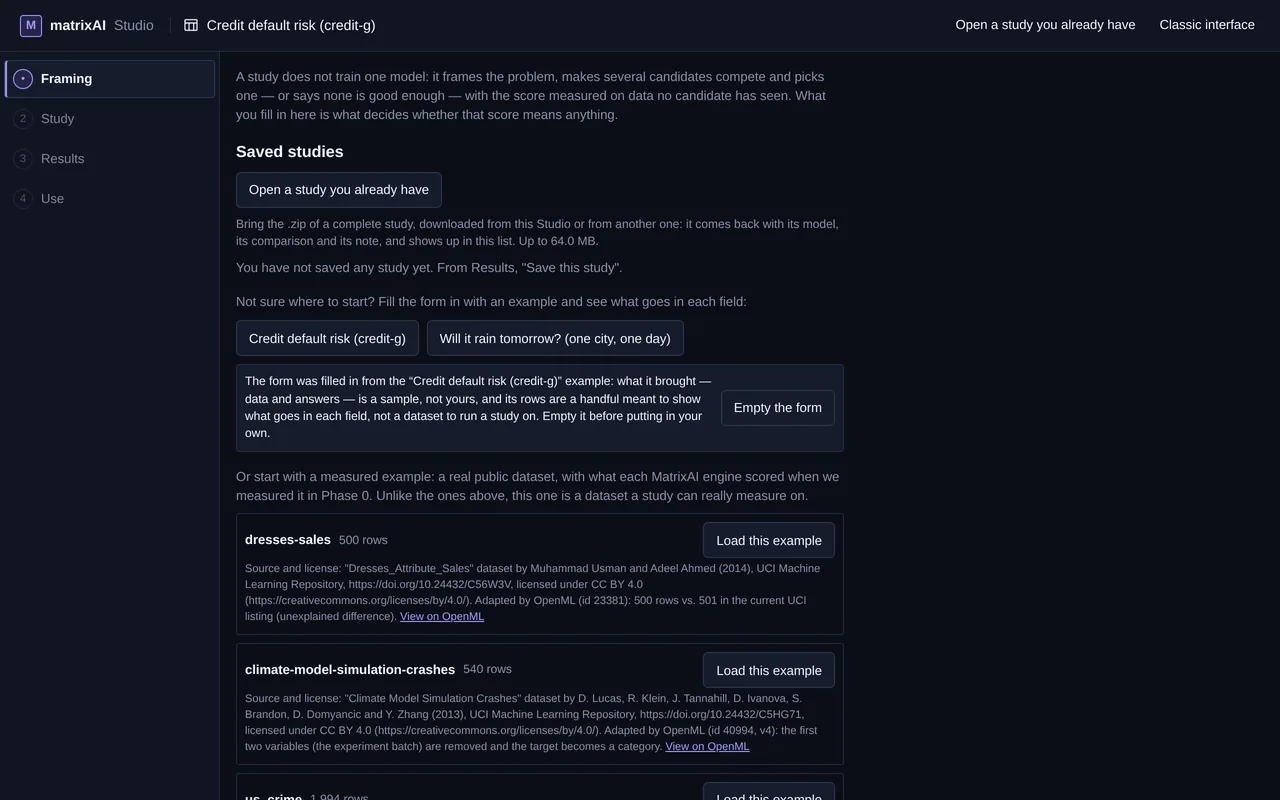
- You upload your table A CSV with what you want to predict.
- Several engines compete Gradient-boosted trees and networks, measured the same way on your data.
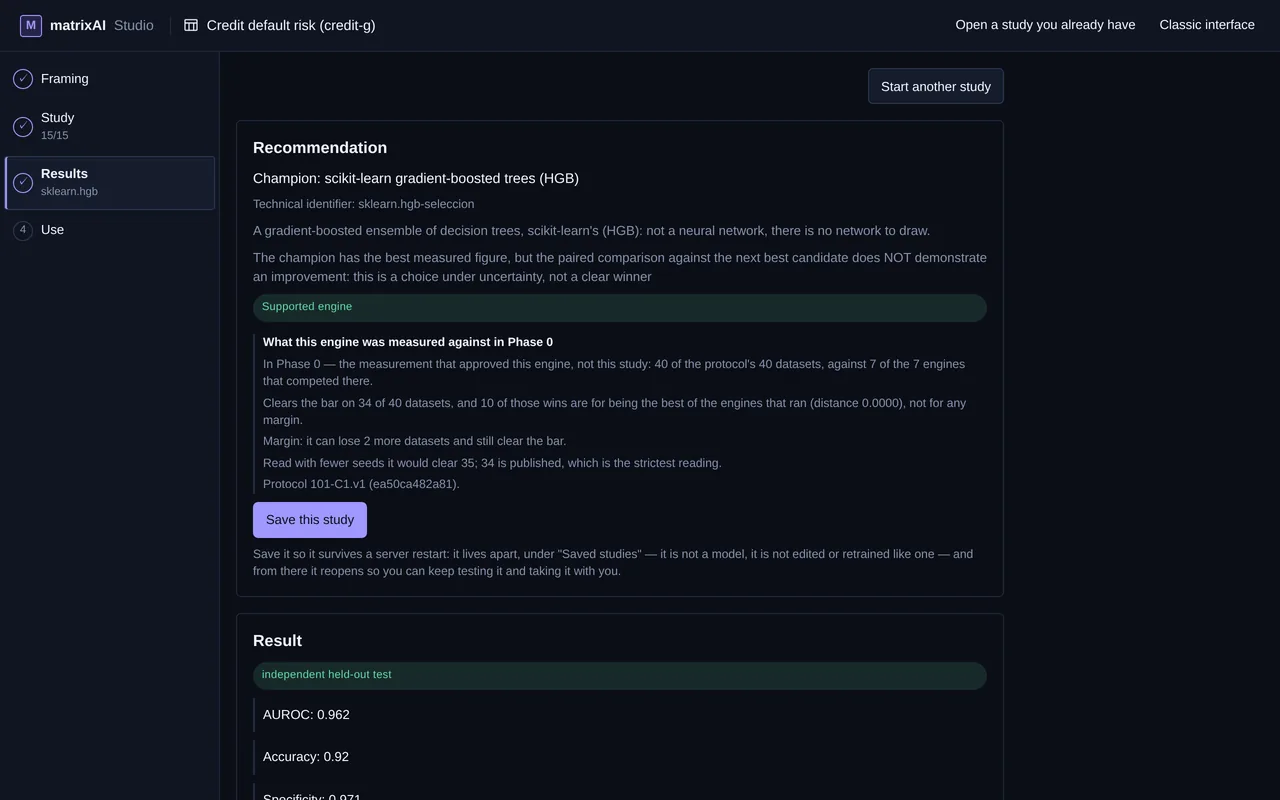
- You keep the best one With its receipt: what competed, what won and why.
Depending on what you want to predict, the model is one of these three kinds:
Will this machine fail? The network looks at its temperature and its vibration.
Each square shows what one neuron sees over the plane of the data, and the thickness of each line, the weight of that connection: violet when it adds, amber when it subtracts. While it trains, one data point travels through the network, layer by layer, and the map marks which one.
It gets 39 of the 100 test points right.
Press Train to watch it learn.
An illustrative simulation running in your browser: a small network learns from 200 made-up points. It is not the MatrixAI engine, it sends nothing anywhere and it does not create any model.
- On your PC or your server
- Training spends no tokens
- Your data stays in your infrastructure
It is not a cloud chat answering from what it already knows: it is your own model, trained and measured on your data. The engine that validates best wins, whether it is a tree or a network. How we measure →
Build auditable AI models
on your own machines
Download the Studio and run it on your own infrastructure: your data never leaves it, except what you choose to send to your own LLM. Say what you want to predict and MatrixAI makes several engines compete — gradient-boosted trees and our own neural network — under a rule written before measuring, picks the best one with cross-validation and keeps the test set for the final figure. Every decision states its reason, and the choice is written in a receipt — what competed, what won and under which rule — that travels with the study.
What that means — and what it does notHow it works, in 4 steps
- 01
Download it and install it on your machines
One package with Docker, for CPU or for GPU. It runs on your own equipment: your data does not leave it, except what you choose to send to your own LLM.
- 02
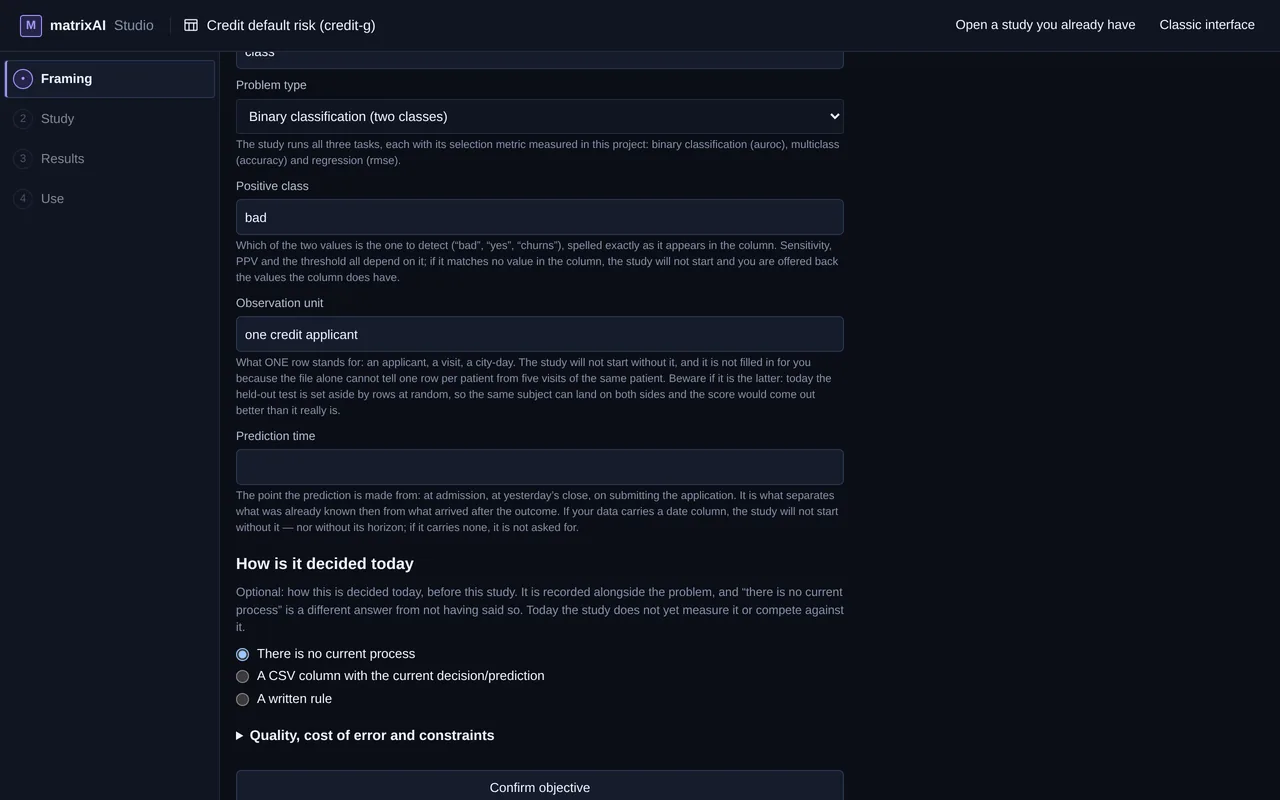
Open your CSV in the Studio and choose what to predict
You confirm the column to predict and the kind of task: yes/no, several classes or a number.
- 03
The engines compete and the best mean is chosen
Several engines are measured with the same cross-validation. The best average wins, and the test set is kept for the final figure.
- 04
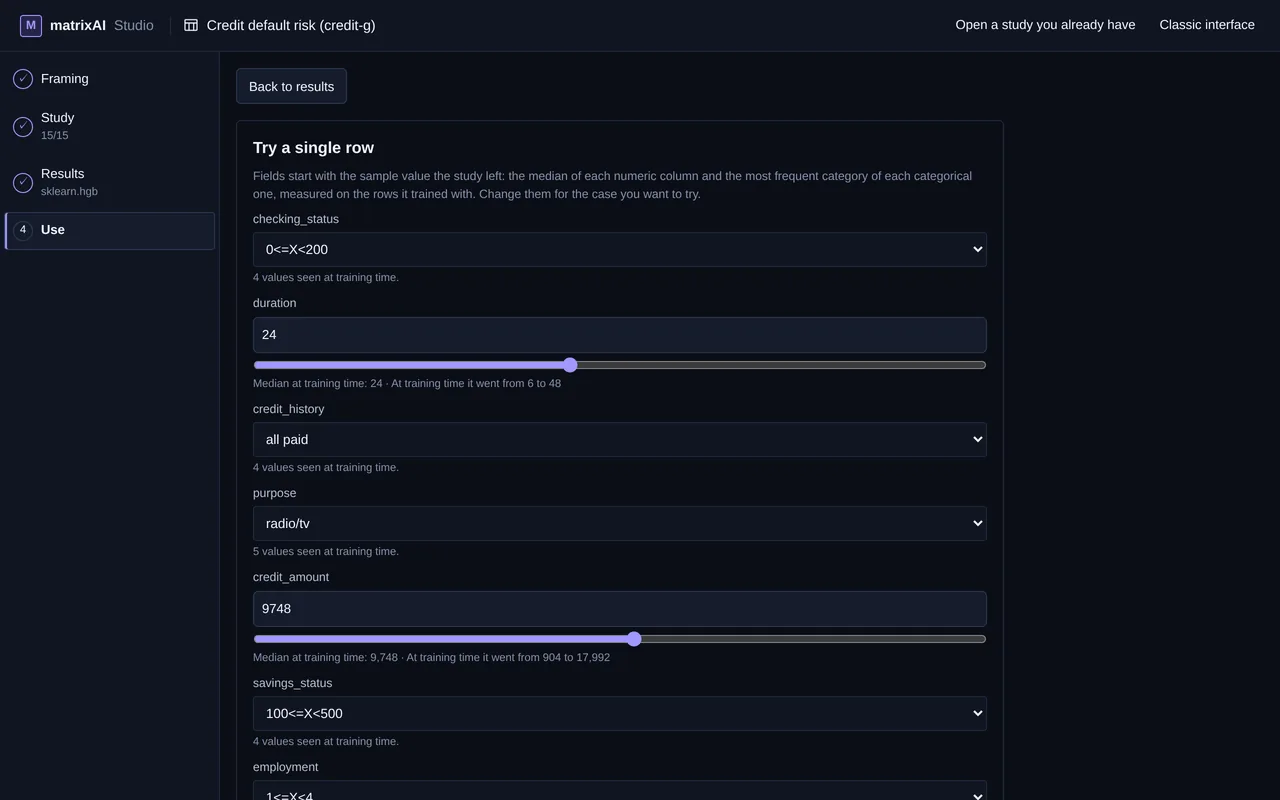
Use your model and take it with you
Predict with it, row by row or a whole CSV, and download the package. Save the study: it carries its receipt of what competed and why it won.
Measured against the reference engines
On 40 public datasets, with a protocol written before measuring, MatrixAI’s network (its architecture starts from TabM, Yandex Research; the adaptation, the protocol and the measurement are ours) lands within 2 points of the best on 38 of 40 — and is the best on 23 — against 6 engines, with their default values:
| Engine | Within 2 points of the best | Best on |
|---|---|---|
| MatrixAI network | 38 / 40 | 23 |
| LightGBM | 26 / 40 | 2 |
| CatBoost | 25 / 40 | 8 |
| scikit-learn HGB | 25 / 40 | 2 |
| XGBoost | 24 / 40 | 3 |
| scikit-learn (linear) | 13 / 40 | 2 |
| Baseline (dummy) | 0 / 40 | 0 |
These figures are from Phase 0, not what you get in the product. This network has been in the Studio since v2.8: it competes in the study, in both packages, as one more engine, and wins where it is the best.
Measured in the Studio’s study, on 13 public datasets, without a GPU and with 6 GB of memory for the container. CPU package: The champion improves on 2 of 13 datasets (difference in points of its test score: dresses-sales +4.4, pc1 +1.6), drops on none and none stops completing. On 2 the study did not end with a champion, with the network or without it. On 2 the estimated memory exceeded the container’s and the network did not compete (Allstate_Claims_Severity: 15.3 GB estimated against 6 GB; KDDCup09_appetency: 7.8 GB estimated against 6 GB).
GPU package: The champion improves on 3 of 13 datasets (difference in points of its test score: dresses-sales +4.4, house_16H +1.8, pc1 +1.6), drops on none and none stops completing. On 3 the study did not end with a champion, with the network or without it. This run was also done without a GPU: what it does on a GPU has not been measured.
And since v2.9 you can choose it in the expert mode, as a single-engine study measured against the reference. It is recommended for tables after a confirmation run on 8 datasets: it came within 2 points of the best of the three networks in 7 of them (the exception: climate-model-simulation-crashes, where the network of the core study beat it by 2.1 points). Its time is measured, not promised; the time limit cut 1 of the 22 measured folds (mfeat-factors).
This is how we measure every engine that competes in the study. How we measure →
Capabilities
The choice is written down with its reason
The test set is kept for the end
Your data stays with you
Take the model with you
Pricing
The engine is free. The Studio package is €12.
The core engine is open source and always will be. The Studio package removes all setup friction so your team is productive from minute one.
MatrixAI Core
- ✓Full engine · production ready
- ✓CLI interface
- ✓REST API + Swagger
- ✓ONNX / WASM export of the core networks
- ✓GPU optional · Docker ready
- ✓AGPL v3 — fully open source